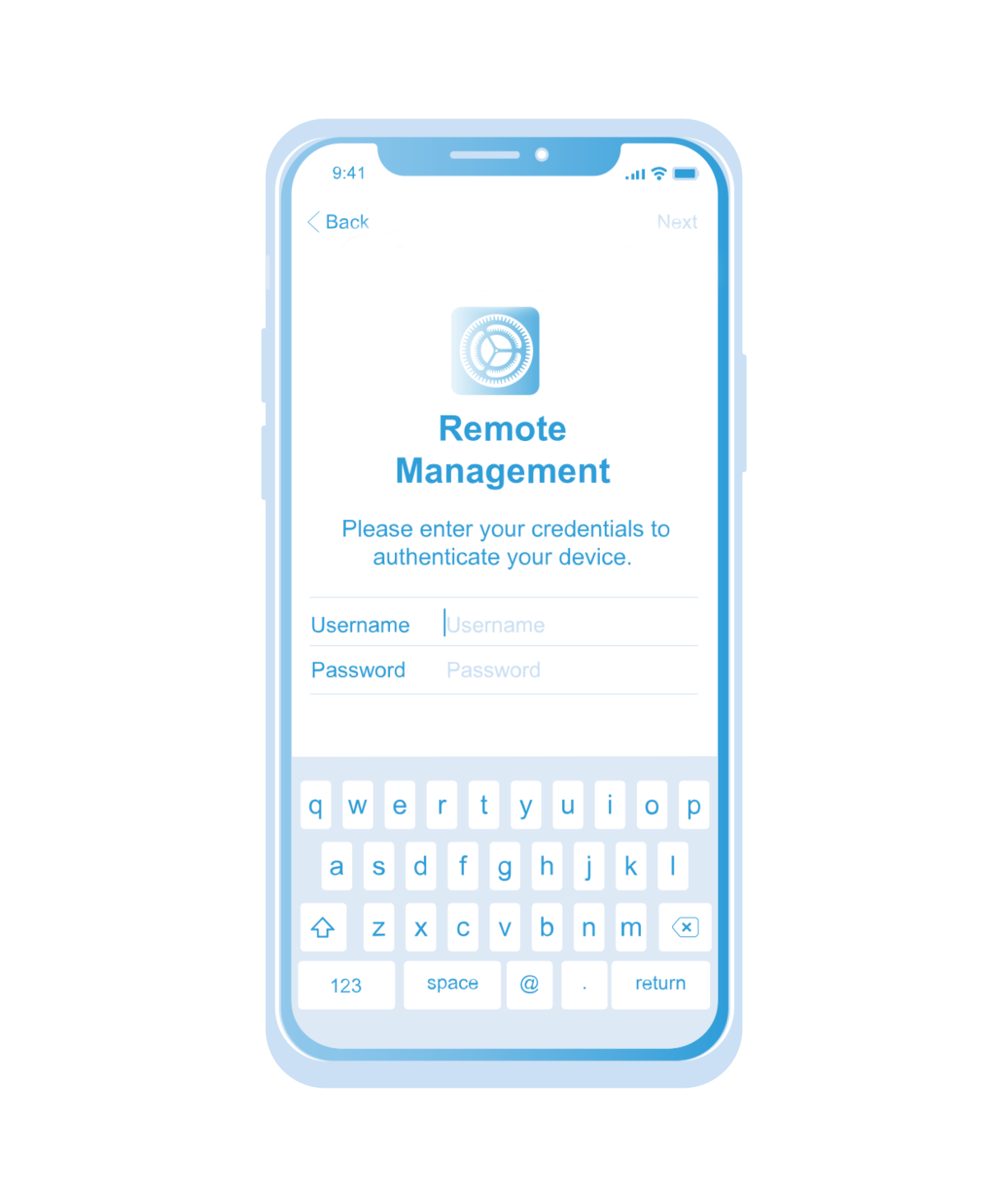
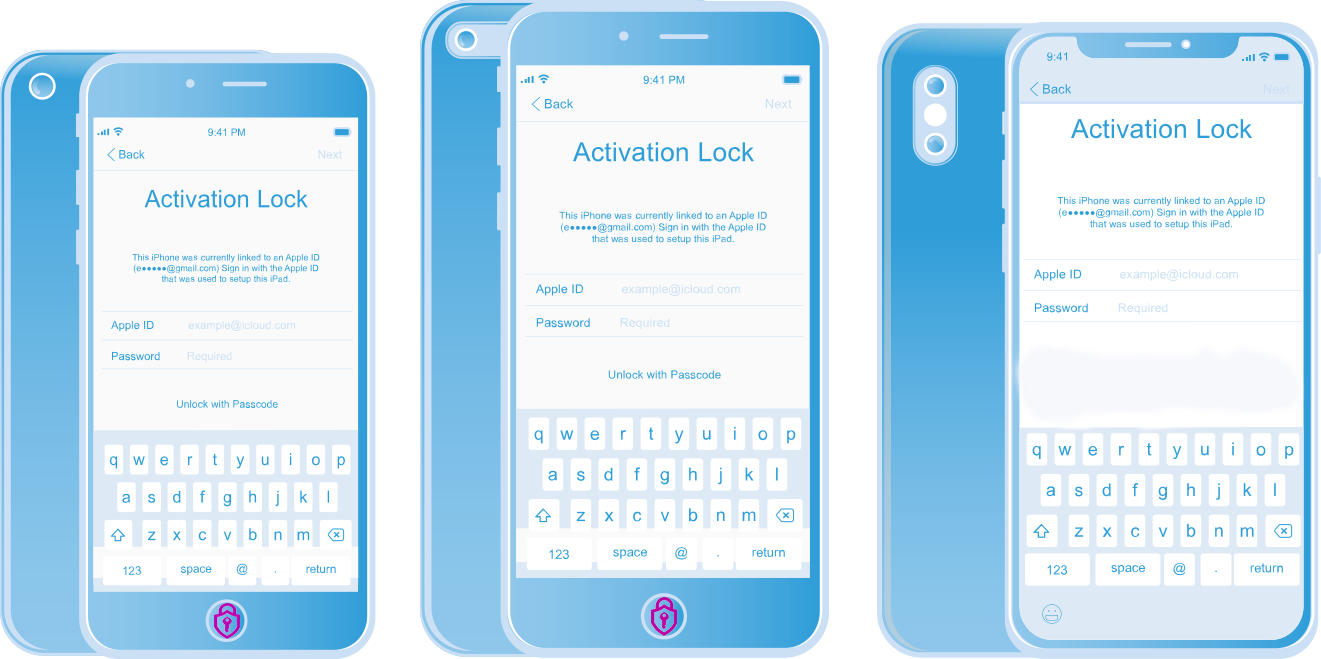
Remove iCloud Permanently. All iPhone / iPad Models & iOS Version Supported. FMI OFF Premium Remove Your iCloud ID in Seconds....
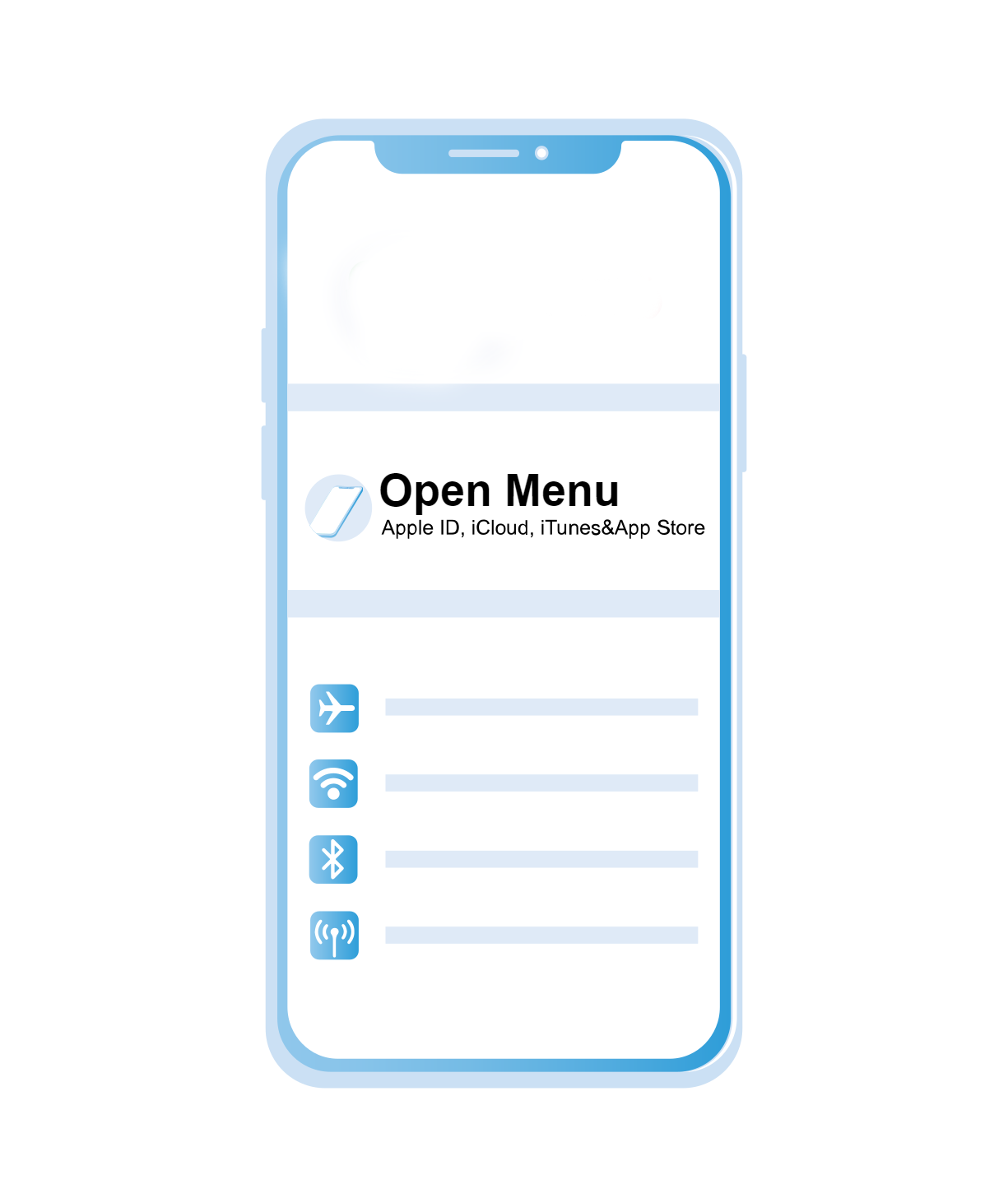
MDM Bypass All iPhone Models & iOS Version Supported, no need Jailbreak. Untethered Bypass all apple service working...
iPhone Hello Byppass A9 - A11 (iOS 15-17 No Signal) No need Jailbreak. Supported iPhone 6 to X and iPad Models...
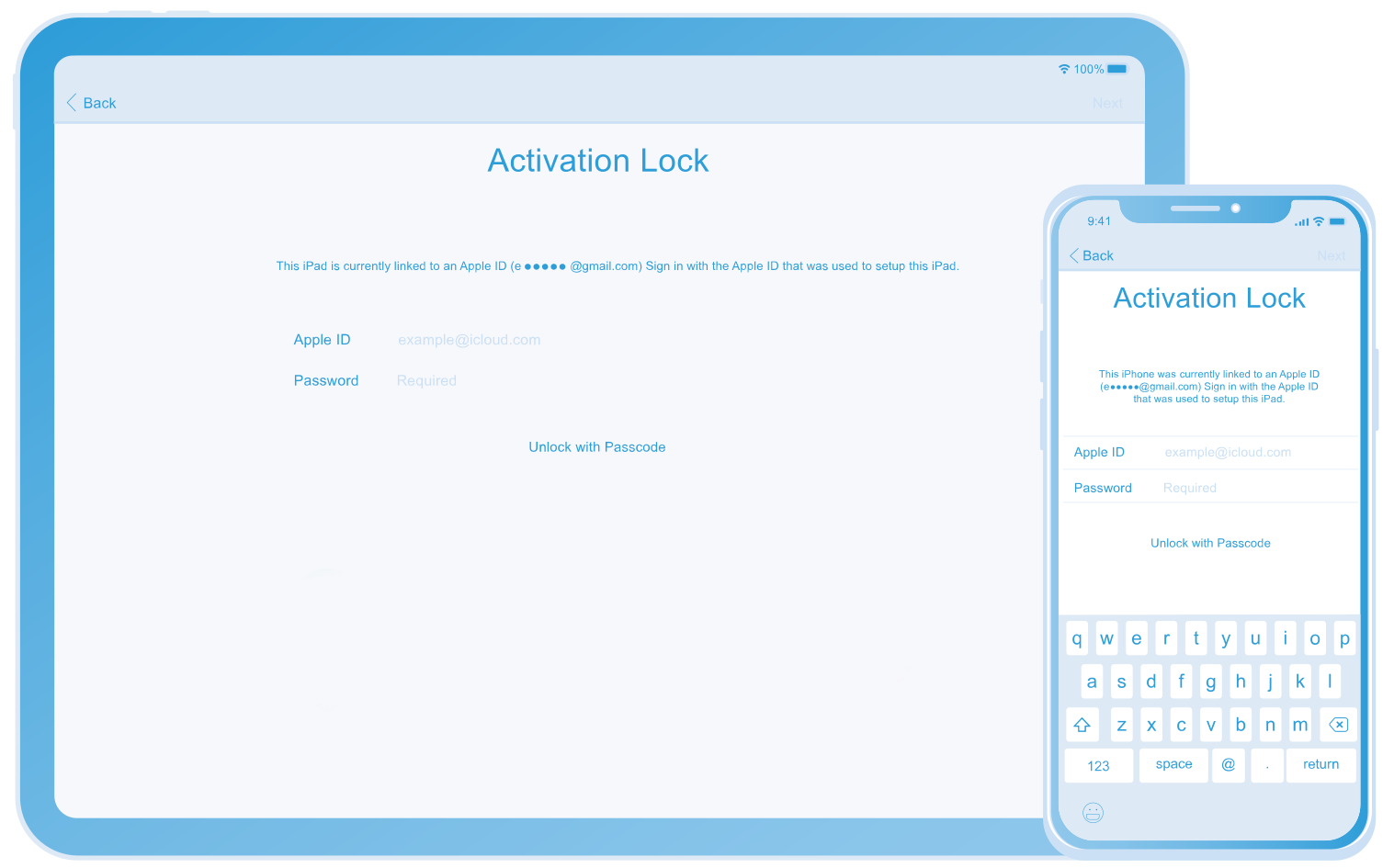
Profesional Unlocking Tool iPhone Bypass Passcode Activation iPhone 6 to X and iPads. Ramdisk Tool Supported iOS 16.x...
Extract the downloaded Lava Z70 stock ROM zip file to an easily accessible folder.
Before attempting any fix, ensure you have a backup of your important data and follow the recommended procedures carefully. If you're unsure, it's best to consult a professional technician or contact the device manufacturer for assistance.
If standard flash files fail, or if the device is showing "Sign Error" or refuses to boot.
Navigate to your extracted Lava Z70 firmware folder, select the scatter file named , and click Open.
Complete Lava Z70 Repair Guide: Flash File, FRP Bypass, and Dead Recovery
Flashing will completely format your device memory. Back up personal data if your phone is still partially operational. Step-by-Step Guide to Flash Lava Z70 & Fix Software Issues
This occurs due to a chip or file mismatch. Ensure you are using the precise care file meant for the Lava Z70 MT6737V variant and not another Z-series iteration.
Optimized for use with technical utilities like the SP Flash Tool , SP MDT Tool , or MRT Key for one-click removals. Technician Insights
Completely wipes the persistent Google Factory Reset Protection partition if you are locked out of your device.
Some older security patches allow bypassing without a PC by using talkback settings or accessibility menus. Important:
(e.g., typically a .pac file for Spreadtrum/UniSoC chipsets). Go to product viewer dialog for this item. Dead Recovery & Firmware Installation
Flashing your Lava Z70 can fix software issues like bootloops, dead phones, and FRP locks. This comprehensive guide provides the official care files, tools, and step-by-step instructions to restore your device. Complete Firmware Details
SP Flash Tool is the standard free utility for MediaTek (MTK) devices like the Lava Z70.
Extract the downloaded Lava Z70 stock ROM zip file to an easily accessible folder.
Before attempting any fix, ensure you have a backup of your important data and follow the recommended procedures carefully. If you're unsure, it's best to consult a professional technician or contact the device manufacturer for assistance.
If standard flash files fail, or if the device is showing "Sign Error" or refuses to boot.
Navigate to your extracted Lava Z70 firmware folder, select the scatter file named , and click Open.
Complete Lava Z70 Repair Guide: Flash File, FRP Bypass, and Dead Recovery
Flashing will completely format your device memory. Back up personal data if your phone is still partially operational. Step-by-Step Guide to Flash Lava Z70 & Fix Software Issues
This occurs due to a chip or file mismatch. Ensure you are using the precise care file meant for the Lava Z70 MT6737V variant and not another Z-series iteration.
Optimized for use with technical utilities like the SP Flash Tool , SP MDT Tool , or MRT Key for one-click removals. Technician Insights
Completely wipes the persistent Google Factory Reset Protection partition if you are locked out of your device.
Some older security patches allow bypassing without a PC by using talkback settings or accessibility menus. Important:
(e.g., typically a .pac file for Spreadtrum/UniSoC chipsets). Go to product viewer dialog for this item. Dead Recovery & Firmware Installation
Flashing your Lava Z70 can fix software issues like bootloops, dead phones, and FRP locks. This comprehensive guide provides the official care files, tools, and step-by-step instructions to restore your device. Complete Firmware Details
SP Flash Tool is the standard free utility for MediaTek (MTK) devices like the Lava Z70.
At iAPro Activator, We Are Specialists in iPhone Unlocking And Technical Service, Offering Safe, Efficient And Guaranteed Solutions.
With Proven Experience And The Best Tools in The Sector, We Provide a Reliable And High-Quality Service For Our Clients. Extract the downloaded Lava Z70 stock ROM zip
Safety And Efficiency in Each Service.
Specialized Technical Support.
Fast and Guaranteed service.
Telegram Support